Request Account Deletion
Last Updated: January 2026
At Diamour, we believe you should have full control over your data. If you wish to delete your account and all associated personal information, you can do so easily through the app or by submitting a request here.
Option 1: Delete via App (Recommended)
This is the fastest way to delete your account. The action is immediate.
Step 1: Access Settings
- Open the Diamour App.
- Go to your Profile tab.
- Tap on the Settings gear icon.
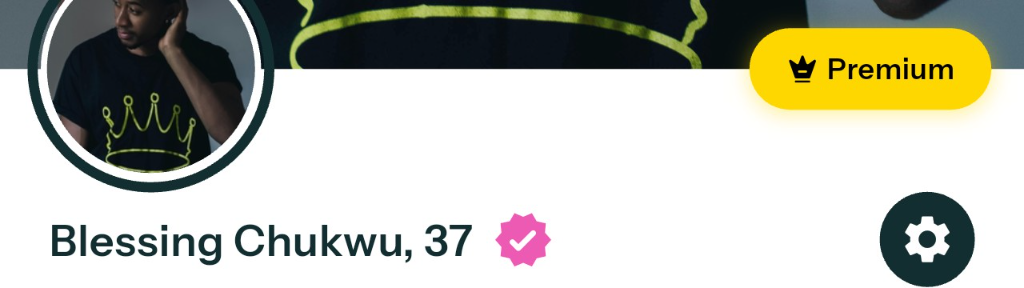
Step 2: Find Deletion Option
- Select Privacy from the menu.
- Scroll down to find Permenantly delete account.
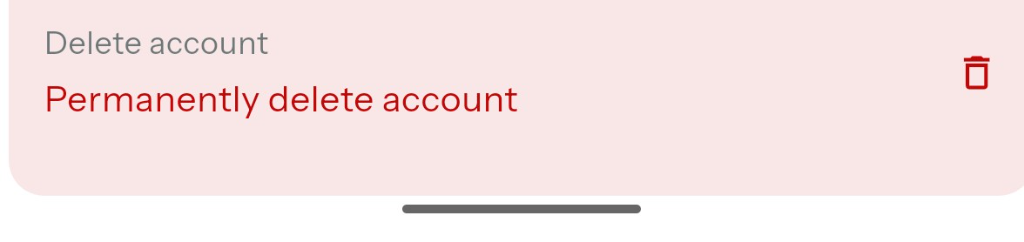
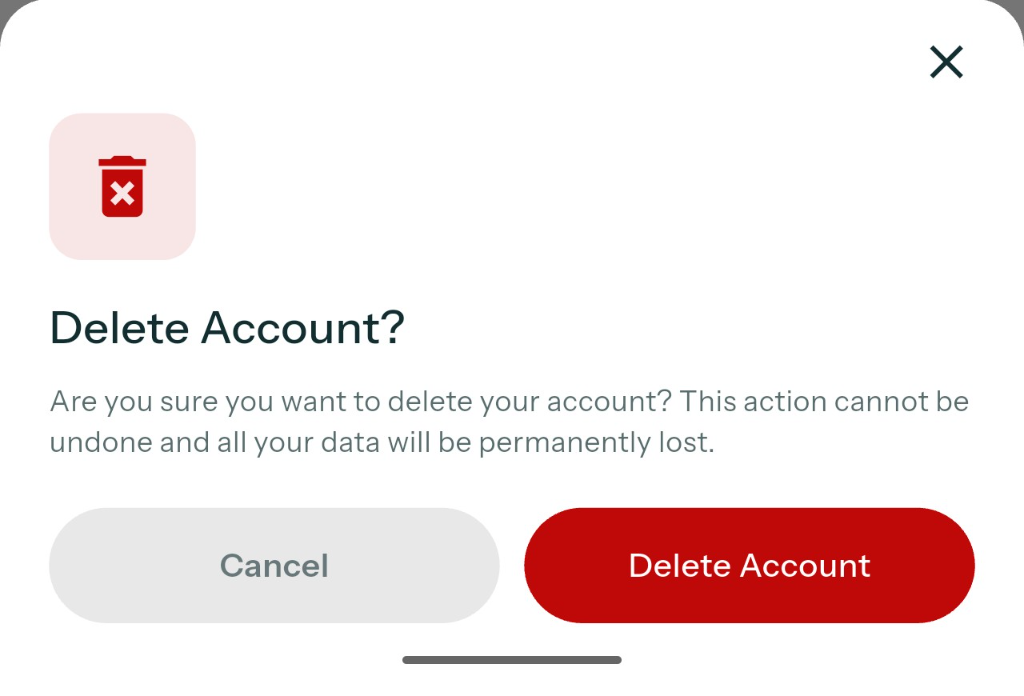
Step 3: Confirm Deletion
Tap Delete Account in the confirmation dialog. This action cannot be undone.

Option 2: Request Manual Deletion
If you cannot access the app or prefer to make a request via support, please email us directly.
Email: support@diamour.app
Subject: Account Deletion Request
Body: Please include your registered email address or phone number so we can locate your account.
Note: Manual requests may take up to 30 days to process. We may ask for additional proof of ownership to protect your account security.
What Happens When You Delete?
- Profile Removal: Your profile will be immediately hidden and removed from other users feeds.
- Data Erasure: Your personal data, including photos, chats, and matches, will be permanently deleted from our servers.
- Subscriptions: Deleting your account does not automatically cancel active subscriptions managed by Apple (App Store) or Google (Play Store). You must cancel these separately in your phone settings to avoid future charges.